

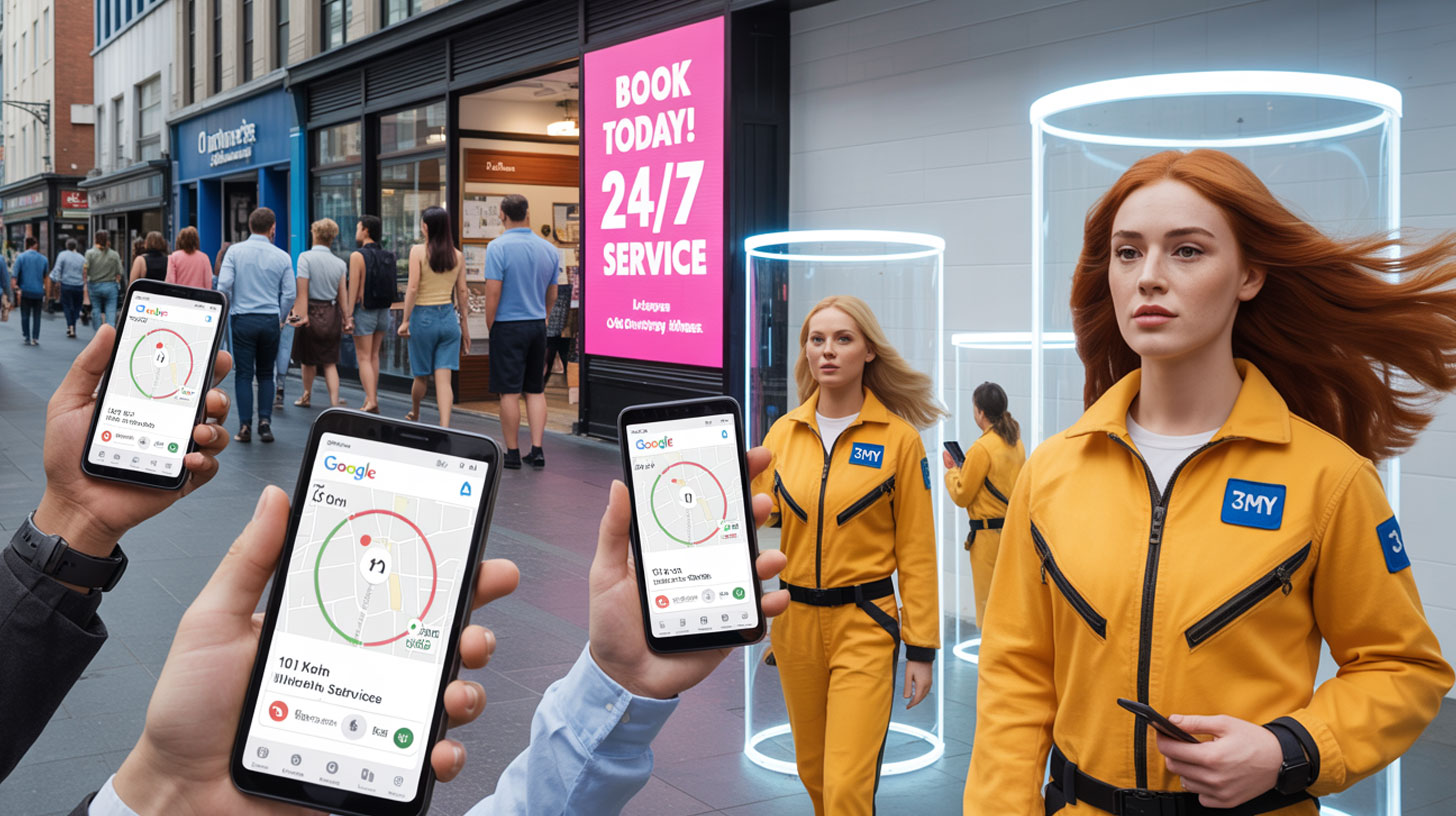
Local businesses face a unique challenge in digital advertising: they don’t need global reach — they need local visibility. A well-structured Google Ads campaign can help you appear exactly where and when local customers are looking for what you offer.
In this article, we’ll walk through how to build a high-performing Google Ads campaign tailored for local business growth.
Step 1: Define Your Campaign Objective
Start with a specific, measurable goal. Examples:
- Get 30 phone calls in your city per week
- Book 20 consultations or store visits per month
- Sell 50 products in a defined delivery zone
Your campaign structure, budget, keywords, and copy will all depend on what action you want users to take.
Step 2: Choose the Right Campaign Type
For local visibility, use one of these formats:
- Search Campaign: Ideal for intent-based traffic (e.g. “plumber near me”)
- Local Services Ads (LSA): For service businesses that qualify. Worth knowing before you count on the badge: in October 2025 Google merged Google Guaranteed, Google Screened and License Verified into a single Google Verified badge, and retired the money-back guarantee that came with the old one
- Smart campaign (with location assets): Good for very small businesses with limited resources
- Performance Max (with store goals): Works well when combined with physical location and phone conversions
Pro tip: add location assets to every campaign you run. Google renamed location extensions to location assets back in 2022, so if a guide still says “extensions”, it predates the current interface.
Step 3: Geo-Targeting: Focus on Your Local Radius
Use the Location settings in your campaign to limit impressions to your real service area.
- Target by city, zip code, or radius (e.g. 10 km around your store)
- Exclude regions you do NOT serve
- Under the advanced location options, choose “Reach people in or regularly in your targeted locations (Presence)” instead of the default, which also serves people who merely showed interest in the area
This is one of the biggest wasted budget sources in local ads — fix it early.
Step 4: Keyword Strategy for Local Search
Build a list of high-intent, location-modified keywords:
Examples:
- dentist near me
- best barber in Brooklyn
- house cleaning North York
- urgent AC repair 24/7
Use mostly:
- Phrase match (“dentist near me”)
- Exact match ([emergency plumber calgary])
Avoid broad match unless you’re using smart bidding + conversion tracking.
Add negative keywords: free, jobs, course, DIY, salary. They belong in the campaign’s negative keyword list — the minus sign is Google Search syntax, not something Google Ads uses.
Step 5: Build a Local-Focused Landing Page
Your landing page must match your local audience:
- Show your city/area in the headline
- Include Google Maps or service zone image
- List nearby neighborhoods you serve
- Add local testimonials or Google reviews
- Use click-to-call buttons (especially on mobile)
Mobile-first design is non-negotiable. Most local searches happen on phones.
Step 6: Track Phone Calls with Dynamic Numbers
If phone leads are key, set up call tracking using:
- Google forwarding numbers, which come with call assets on the Search Network
- CallRail or similar (for dynamic number insertion on your site)
This allows you to:
- See which keywords generate calls
- Attribute leads per channel (Google Ads, Facebook, flyers, etc.)
- Filter spam or missed calls
This is essential for optimizing ROI on local ad spend.
Four things decide whether a local campaign pays for itself: how tightly you draw the targeting, what the landing page says, whether calls are tracked, and what you do with the numbers afterwards. Every step below belongs to one of those four.
Step 7: Ad Copy That Speaks to Locals
Local ads should feel personal and relevant:
Good examples:
- “24/7 Emergency Locksmith – Serving Scarborough & East York”
- “Book a Dental Cleaning in Calgary This Week”
- “Same-Day AC Repair Across North Dallas”
Include:
- Location + value prop + urgency
- Call assets, plus a CTA like “Call Now” or “Visit Today”
- Sitelink assets (e.g. “Our Clinic”, “Free Estimate”, “See Prices”)
Step 8: Budgeting & Bidding
Start with a test budget of $10–$25/day, depending on competition.
Use:
- Maximize Conversions (if you’ve set up tracking)
- Manual CPC (if you want tight control while testing)
Bid higher for mobile users and during business hours.
Monitor results in the first 5–10 days and adjust daily budget and bids based on:
- Cost per call
- Impression share in your area
- Quality of leads (check call recordings or form data)
Step 9: Monitor, Refine, Repeat
Google Ads is not a “set and forget” tool. Check regularly:
- Search terms, under Campaigns > Insights and reports → add new negative keywords
- CTR per ad → A/B test better headlines
- Conversion rate → improve landing page or targeting
Set up weekly performance reviews and adjust:
- Bids
- Assets — sitelinks, calls, location
- Ad schedule
- Location radius
The Bottom Line
Running Google Ads for a local business isn’t about flashy branding or viral reach — it’s about being visible right when someone in your neighborhood is searching for your offer.
With the right structure, message, targeting, and tracking, Google Ads can become one of the most efficient lead generation tools in your local market.
Work with 3MY: We Help Local Businesses Grow with Google Ads
We specialize in results-driven Google Ads campaigns for:
- Dental clinics
- Repair and handyman services
- Local eCommerce + delivery
- Beauty salons, gyms, and wellness centers
- Professional services (lawyers, accountants, notaries)
Every campaign includes:
- Custom keyword and geo strategy
- Conversion tracking (forms + phone)
- Local landing page planning
- Ongoing optimization + weekly reporting









