
If a demand letter is already sitting in your inbox, here’s the flat answer first: no US court publishes a category called “web accessibility lawsuit.” Every count you’ve seen — filings per year, a rising trend, average settlement ranges — comes from private tracking: a company that sells remediation software, and law firms that comb public court dockets by hand, searching case titles for keywords. No official body verifies those totals, and neither ada.gov nor the federal court system keeps that ledger. That’s not a reason to relax. It’s a reason to stop reading posts that lead with a number and start reading what a letter like yours is actually built on.
We build sites for a living, and accessibility is part of that build rather than a line item added later — it’s the same thinking behind our website development work. This isn’t a scare piece. It’s a plain look at what actually gets checked, and what to do on day one if a letter has already arrived.
What a Web Accessibility Lawsuit Usually Points At
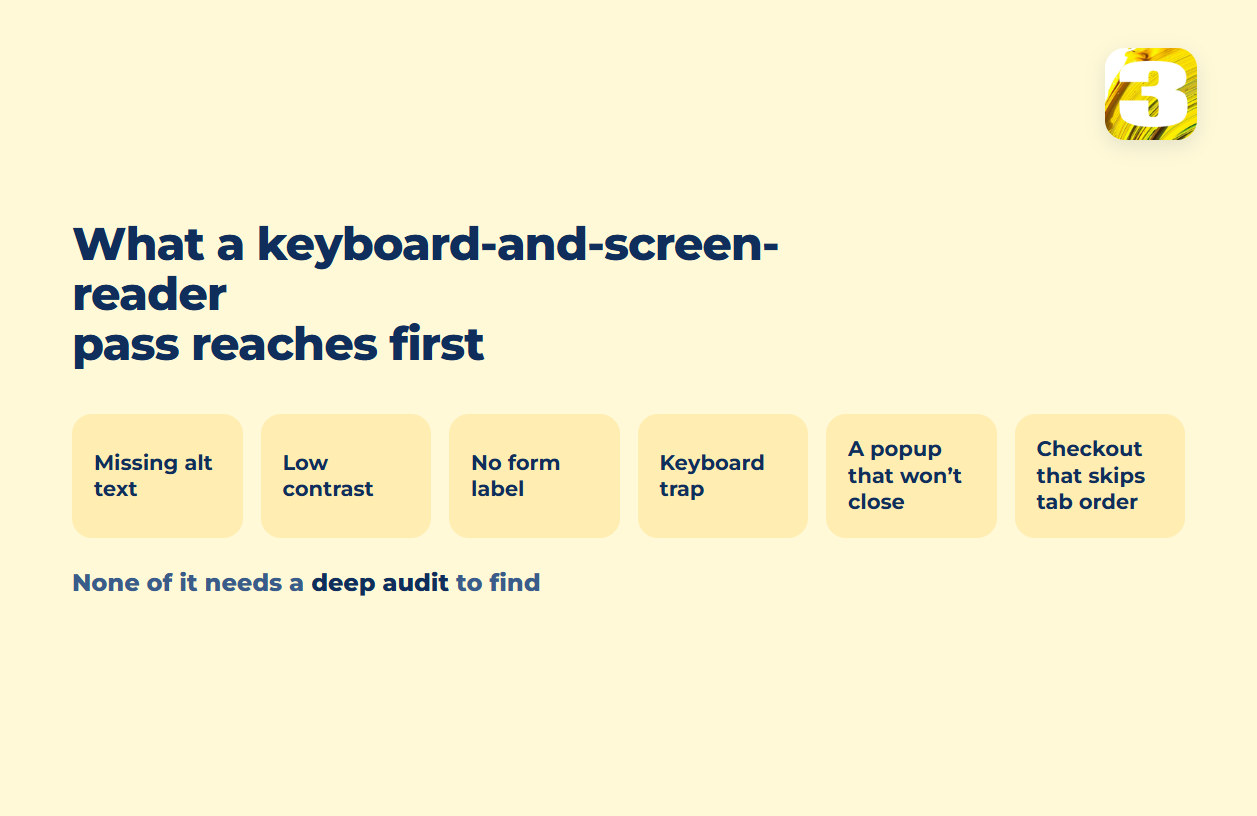
Strip away the legal framing, and what these letters point at is short, and none of it needs a deep audit to find. A person with a keyboard and a screen reader can work through the whole list in a single pass:
- Images that carry meaning but have no alt text, or alt text that’s just a file name
- Text and buttons with contrast too low to read against their background
- Form fields with no accessible label, so a screen reader announces nothing useful
- A keyboard trap — tab into an element and there’s no way to tab back out
- A popup or modal with no way to close it without a mouse
- Checkout or signup steps that only work with a click, not a tab
That’s the technical side of what what ADA compliance actually asks of your pages walks through in more detail. None of it takes specialized tools to find, which is why it is reachable by anyone who opens the site with a keyboard — and how to test your own site for accessibility covers how to run that same pass on your own site before anyone else does.
Where an Online Store Has More Surface to Check
A store has more places for this to go wrong than a five-page brochure site does, and that isn’t bad luck either — it’s surface area. A store has more moving parts that a keyboard pass can reach in one sitting: a checkout flow with several steps instead of one contact form, filters that rewrite the page without a full reload, image galleries that swap content without moving focus, and error messages (“this field is required”) that appear on screen but are never announced to anyone using a screen reader. Add a payment step or a shipping calculator built by a third party, and the number of places something can quietly break goes up again.
None of that is a reason to skip a feature. It’s a reason to check it the way a shopper without a mouse actually would — which is the starting point for the checkout and product work behind our ecommerce builds.

What to Do on Day One, If the Letter Already Arrived
The order matters more than the instinct to fix everything overnight.
Don’t quietly rebuild the pages named in the letter, and don’t take them down hoping the target disappears — both remove the record of what was actually live when the letter was sent, and lawyers who handle these generally want that record intact before anything changes. Instead:
- Save what’s there now — a dated screenshot or export of the exact pages named, before anything changes.
- Put the letter in front of a lawyer who handles these before you reply to anyone, including whoever sent it.
- Start the technical list in parallel — the fixes above don’t need to wait on legal advice, and a documented start is something you have either way.
- Decide who does that work — the same person or team that finds the barriers should be the one repairing them, or the list gets re-argued instead of fixed. what an accessibility audit actually covers covers what that scope actually contains.
That’s the order. What it doesn’t include is guessing at your odds. We’re not going to tell you how exposed you are, and anyone who does after a five-minute look at your homepage is guessing right along with you. This is a breakdown of what gets flagged and how the technical fixes work — not legal advice. For anything specific to your letter, that’s a conversation with a lawyer, not a blog post.
What an Accessibility Widget Does to a Flagged Page
Somewhere in your research you’ll run into an overlay — a script that adds a small panel for font size, contrast, and sometimes an automated pass at labeling images. Mechanically, it changes what is rendered in the browser, while the markup underneath — the heading order, the labels in the code, the focus order through checkout — stays as it was written. The Department of Justice’s own line on automated checkers and overlays is short and worth keeping in view: they “need to be used carefully”. What one vendor was and wasn’t allowed to claim about a product like this was settled with a regulator in 2025, and what ADA compliance actually asks of your pages sets that out in full. In practice the barriers that turn up in a letter are the ones nobody looked at because nothing on the site reported them — a form that submits fine with a mouse tells you nothing about what happens without one, and that gap is what we check for on the sites we build. Which version of WCAG a given rule even asks for depends on who you are and where you operate — that part is which accessibility rule applies to you.