


In this article
- Sync Delay: What “Synced” Means in Multichannel Inventory Management
- Different Keys: Your SKU, Your Seller SKU, and the ASIN
- Reserves and Returns: Counts That Aren’t Sellable Stock
- Path One: Multichannel Inventory Software Holds the Master Count
- Path Two: A Connector From Your Platform’s Marketplace
- Path Three: Direct Sync Through the Official APIs
- What to Count Before Choosing Multichannel Inventory Management Software
- What We’ve Built on the Stock Side
You have one unit left. It sells on your own store and on Amazon inside the same ten minutes, and one of those buyers is now getting an apology instead of a box. You already pay for a tool meant to stop exactly this.
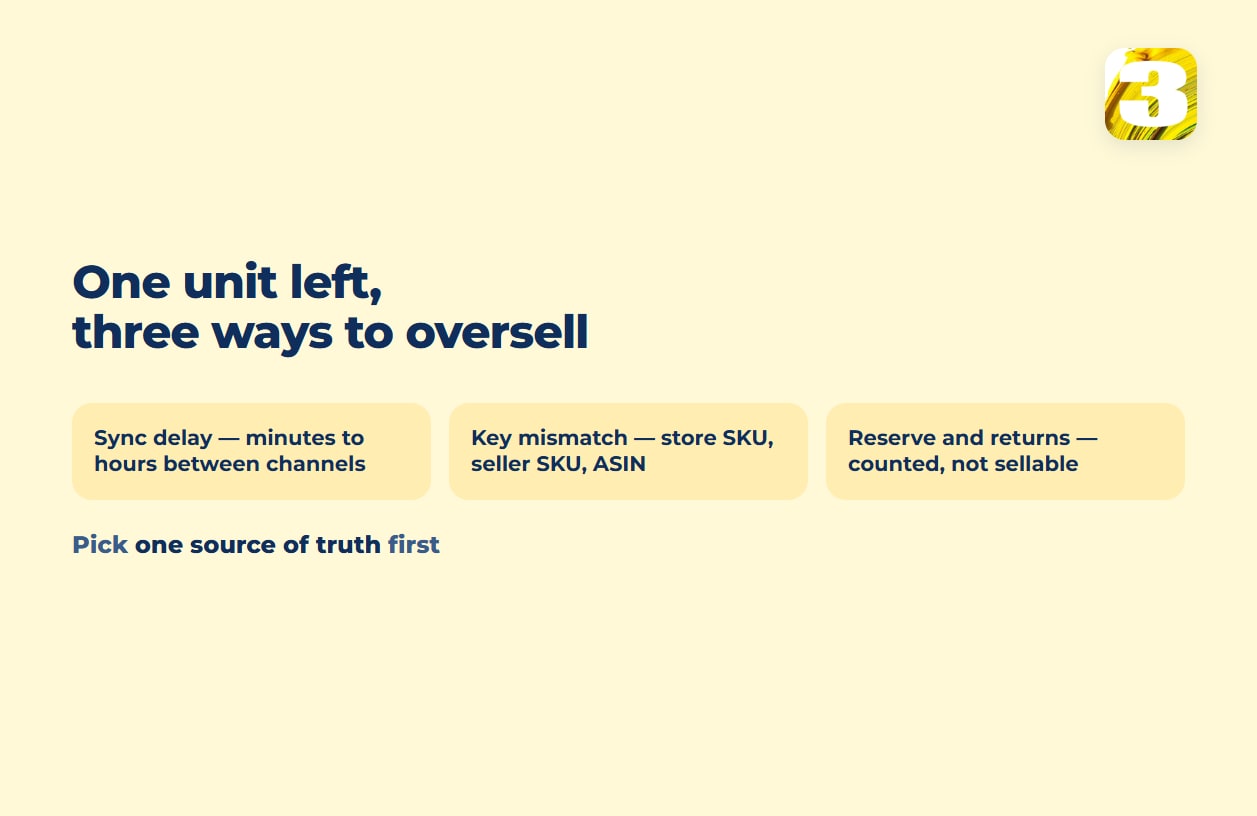
Nothing is broken and nobody typed a wrong number. Multichannel inventory management software doesn’t give every channel the same count at the same instant — it narrows the window in which they disagree. How narrow, and what still slips through, is what separates one option from another.
Sync Delay: What “Synced” Means in Multichannel Inventory Management
Every channel keeps its own copy of your stock count, and something in the middle copies one number to the others on an interval — not the moment a buyer clicks. All of this assumes one physical stock feeds both channels and you ship Amazon orders yourself; units sent to FBA are a separate pool that Amazon counts and ships, which is why tools such as Veeqo connect Amazon FBA as a channel of its own.
Vendors publish those intervals. Sellbrite lists inventory sync as “Every 15 minutes” on its paid plans and “Every 2 Hours” on the free one. Veeqo says that when you first switch on its inventory control, pushing stock levels to every channel takes “between 15 minutes and 2 hours,” with changes after that running “near real time” — their phrasing, and not a stated number of seconds.
Fifteen minutes is fine for a product that sells twice a week. On an item that moves several times a day at one or two units, it’s a window in which both channels can accept an order and both be right about what they knew.

Different Keys: Your SKU, Your Seller SKU, and the ASIN
This cause is quieter and does more damage, because an affected product isn’t syncing slowly — it isn’t syncing at all.
Your store identifies a product by your SKU. Amazon identifies it twice: by your seller SKU, your own string, and by the ASIN, Amazon’s identifier for the listing — one listing that several sellers can share, which is why winning the featured offer on it is its own question. The tool in the middle decides which row here is which row there, and most decide by matching SKU text.
Zoho spells out both halves: an item pulled from a sales channel whose SKU or name “is identical to any of those in Zoho Inventory” gets linked automatically, while anything that doesn’t match lands in a pile Zoho calls Unconfirmed Items, where “their associated online orders will be frozen.” Veeqo asks for the same thing up front — “update the SKUs in your additional channels so they match the SKUs in Veeqo” — and its listings guide adds that “listings will automatically be linked by SKU.”
So a product whose seller SKU picked up a suffix in an old bulk upload is invisible to your sync while both channels keep selling it. That mapping key is the failure point under every catalog tool, not just this category — at length in our guide to PIM software and what to use instead.
Reserves and Returns: Counts That Aren’t Sellable Stock
Two more numbers get counted as stock when they aren’t. A channel reserve is a buffer: you publish fewer units to a channel than you physically hold, so a late sync can’t sell what’s already gone. It’s the blunt fix for sync delay, and it works, but the held-back units sell nowhere.
Returns move the other way: a returned unit appears in one channel’s count before the others hear of it, and one marked returned but not yet inspected isn’t sellable at all. A tool that adds it back on receipt publishes a count you can’t fulfill from.
Path One: Multichannel Inventory Software Holds the Master Count
Veeqo prices its inventory side from $19 a month, with a high-volume tier from $350. Veeqo was founded in the UK in 2013 and has been part of Amazon since 2021 — worth knowing when it sits between you and that marketplace. Linnworks publishes no price at all. Zoho Inventory has paid plans; prices are shown by region.
| Tool | Published price | Sync and matching, as published |
| Veeqo | Inventory from $19/mo; High Volume from $350/mo | First stock push to all channels “between 15 minutes and 2 hours,” then “near real time” |
| Sellbrite | Free tier with an order cap; paid from $29/mo billed annually | “Every 15 minutes” on paid plans; “Every 2 Hours” on free |
| Linnworks | No public price: “Speak to a specialist today to get your quote”; “priced on order volume, not revenue” | — |
| Zoho Inventory | Paid plans; prices shown by region | Links channel items automatically when SKU or name matches |
You buy a master copy of the count plus connectors. You give up your store being the source of truth about its own inventory — a change in how the team works, not just a subscription line.
Path Two: A Connector From Your Platform’s Marketplace
Before adding a fourth system, check the connectors listed in your platform’s own marketplace. For WooCommerce and Amazon, that’s Amazon for WooCommerce — an extension built by CedCommerce, not by WooCommerce or Amazon, sold after a 7-day free trial — which promises to “keep your stock and orders updated automatically.” For two channels and a few hundred products, a connector like that is often the whole answer.
A native connector is a pipe between exactly two systems, and it syncs what its authors decided it syncs, on the schedule they chose. Check in its documentation which way stock moves: if only outward from the store, a correction made on the marketplace side never reaches it. Add a third channel and you have separate pipes, each pushing its own copy of the count, with nothing reconciling them.
Path Three: Direct Sync Through the Official APIs
The third path skips the middleman: store and marketplace talk through their own published interfaces.
On the store side, the WooCommerce REST API updates a product with a PUT to /wp-json/wc/v3/products/<id> and a stock_quantity field, which on a variable product “will be used to control stock for all variations, unless you define stock at variation level.”
On the marketplace side, Amazon’s SP-API Listings Items offers putListingsItem, which “creates a new or fully-updates an existing listings item for a selling partner,” and patchListingsItem for a partial update, where “only top-level listings item attributes can be patched.” Amazon throttles requests per selling account and application, and your hosting sets what the store side can take, so your real interval is a design question, not a wish.
This costs development time instead of a subscription, and it’s the only path where you set the interval and the rules. Pushing whole listings up in bulk is a separate job, covered in our piece on Amazon flat files.
What to Count Before Choosing Multichannel Inventory Management Software
How many channels, and which. Two channels can often live on one connector; from three on, separate pipes stop agreeing, and a tool in the middle or a direct sync earns its cost. Your store, Amazon, eBay, Walmart, a wholesale portal — write the list, including the one you plan to add this year.
How often your last unit sells. Pull the products that hit one or two units and count how often that happened. That tells you whether a fifteen-minute interval is comfortable or reckless for you.
Who holds the source of truth. Your store, the marketplace, or a tool in the middle — pick one on purpose. A common cause of oversells is two systems each behaving as the master.
What We’ve Built on the Stock Side
We’ve done bulk product uploads and stock synchronization on marketplaces, Amazon among them, and catalog work for stores on WooCommerce and Magento. Catalog upload is priced per product, from $0.02; the synchronization side is priced after we look at the project, because the work depends on how many channels you run and what condition your identifiers are in — see stock and price sync between your store and marketplaces.
Pushing a stock number to a channel and changing a price in response to competitors are different jobs, as price monitoring versus repricing lays out. And if your stock physically sits with a supplier, the question changes shape — that case is covered in our piece on WooCommerce dropshipping plugins.









