


If you’re a brand and other people sell your product, you need a tool that watches prices you don’t set and tells you when one drops below the floor you published — that’s price monitoring. If you’re a seller and you set your own price, you need a tool that changes it automatically to stay competitive — that’s a repricer, and it’s a different product solving a different problem.
The confusion is built into the search results. “Price monitoring software,” “repricing software,” and “best Amazon repricer” all surface a mix of tools, and some vendors sell both under one login. Land on the wrong one and you’ll spend a subscription cycle finding out it can’t do the one thing you actually needed it to do.

Are You Protecting a Price, or Changing One?
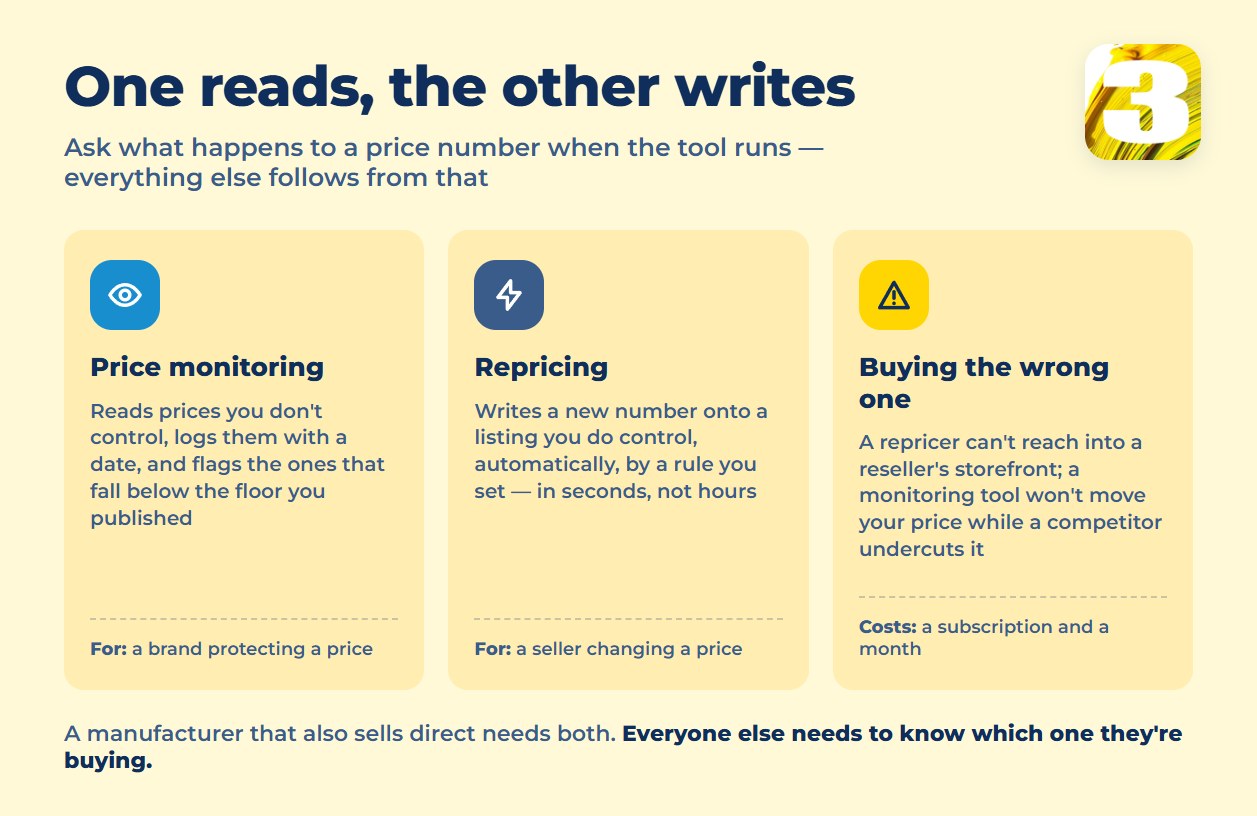
The fastest way to tell them apart is to ask what happens to a price number when the tool runs. One kind reads it. The other kind writes it.
That single difference decides everything downstream: who the tool is pointed at, how fast it has to run, and whether a human is in the loop when something moves.
| You’re a brand | You’re a seller | |
| What you’re protecting | A price you set for the whole market | Your own margin against competitors |
| What you want to change | Nothing — you want resellers to hold your number | Your own price, as often as the market moves |
| Tool you need | Price monitoring | Repricing software |
| What it does to a price | Reads it, logs it, flags a violation | Writes it — pushes a new number live |
| What happens after an alert | A person decides: warn, cut supply, do nothing | The software decides, by a rule you set |
Why a Repricer Won’t Fix a Brand’s Problem
A repricer changes the price on a listing it controls: your own store, your own seller account, your own marketplace channel. It has no way to reach into a reseller’s storefront and edit their number — there’s no login, no API key, no button for someone else’s page. If forty retailers are advertising below the MAP you published, a repricer sitting on your own storefront never sees it, because the problem isn’t on your storefront.
That’s a monitoring problem, and MAP monitoring specifically is usually sold as an add-on to a monitoring tool, not a feature of a repricer. Pricefy, for example, only adds MAP/MSRP monitoring once you’re on its $189/month Business tier — it sits next to plain price tracking, not next to a repricing engine. If you’re not sure what a MAP policy actually obligates a reseller to do, we cover that separately in what a MAP policy is and isn’t.
Why Monitoring Won’t Replace a Repricer for a Seller
Monitoring tells you what happened. It doesn’t do anything about it — someone still has to read the alert and go change the price by hand, and by the time that happens, the competitor’s price has often already moved again.
Update frequency is set by the tariff, not by the moment a competitor cuts a price. Prisync’s entry tier refreshes competitor prices three times a day; its channel-based plan refreshes once a day. That’s a reasonable cadence for a brand watching for policy violations. It’s not fast enough for a seller trying to win a price-sensitive listing, where the gap between “I found out” and “my price is live” needs to be seconds, not hours — which is exactly the job a repricer is built to do and a monitoring tool isn’t.
When a Business Needs Both
A manufacturer that sells direct through its own store and also sells through independent resellers isn’t a special case — it’s a normal one, and it genuinely needs two tools doing two jobs. The repricer runs on the manufacturer’s own storefront, adjusting its price against direct competitors. The monitoring tool runs across the resellers, watching for ads that fall below the policy the manufacturer published. Paying for both isn’t overbuying; paying for either one alone leaves half the business unwatched.
Three Questions to Ask Before You Buy
Before signing up for anything sold as “price intelligence,” ask the vendor to answer these in plain terms, not a feature list:
- Does the tool ever change my price, or only report on it? If the answer is “report,” you’re buying monitoring. If it’s “change,” you’re buying a repricer.
- Whose prices does it watch — mine, so I can react, or other sellers’, so I can enforce a policy? These are opposite directions, and a demo can make either one look like the other.
- What happens when it finds a violation or an undercut — does it notify a person, or does it act on its own? Price2Spy, for one, keeps this distinction visible in its own tier structure: MAP monitoring appears only on Basic, and API access a tier above that, on Premium — and neither of them writes a price. That’s worth noticing, because it means even a single vendor can sell you two different jobs without saying so.
When the Job Is Bigger Than a Subscription
Sometimes neither answer is “buy a subscription.” If what you actually need is your product catalog, competitor prices, and an alert or a price change all wired to each other automatically — instead of a person checking a dashboard and updating a spreadsheet — that’s an automation build, not a tool purchase. We cover the broader case for that kind of setup in competitor price monitoring and MAP compliance tools, the full price comparison in what MAP monitoring software actually costs, and the general idea in what business process automation actually means.
Our own pricing for that kind of build is public: $800 for a single connected workflow, $1,500 for a set of up to three, charged once, with no platform subscription riding on top.









