
Manual work slows agencies down and limits profit margins. With client demands growing and PPC complexity increasing, automation isn’t optional — it’s foundational. Whether you’re a solo operator or a 10-person team, building automated systems allows you to:
- Serve more clients with fewer manual tasks
- Reduce errors and inconsistency
- Free up time for strategy and analysis
- Improve transparency and scalability
Let’s break down what to automate, and how.
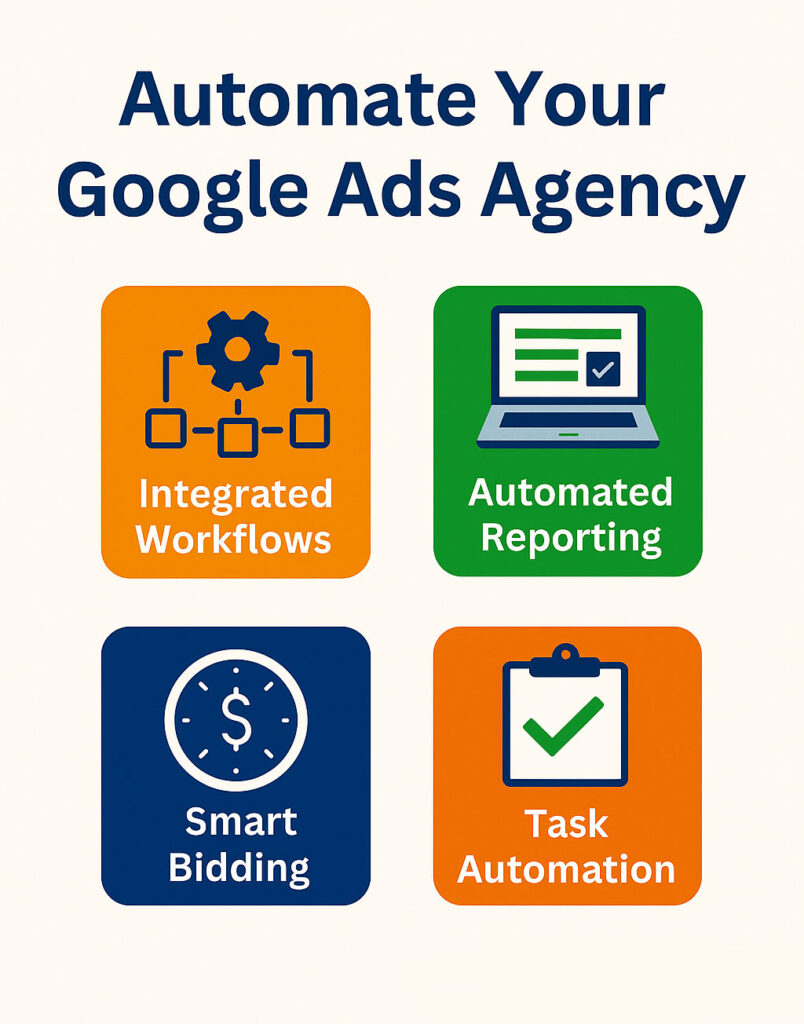
Core Areas to Automate in Your Google Ads Agency
1. Campaign Setup & Buildout
Automate with:
- Pre-built templates (keywords, ad copy, assets — what used to be called extensions)
- Google Ads Editor macros
- Feed-driven campaign creation (eCommerce)
- Scripts or API-based build tools
Example: Use Google Sheets + Ads Scripts to auto-generate Search campaigns from a list of services, locations, and benefits.
2. Reporting & Performance Dashboards
Automate with:
- Looker Studio (formerly Data Studio) templates
- Scheduled email reports with visualizations
- Google Sheets dashboards with Supermetrics or Analytics connectors
Example: Send each client a weekly email with linked dashboard + high-level notes, without logging into each account manually.
3. Budget Pacing & Bid Rules
Automate with:
- Shared budgets and spend alerts
- Rules for pausing high CPA keywords
- Bid adjustments by time, location, or device
- Target CPA / Target ROAS smart bidding
Tip: Use scripts to alert you when spend exceeds forecasted pacing, or performance drops outside acceptable ranges.
4. Client Onboarding & Intake
Automate with:
- Online forms (Typeform, Google Forms) for business data
- Zapier flows to auto-create folders, assign tasks, send welcome emails
- Notion/ClickUp templates for onboarding steps
Example: New client fills out a form, Zapier triggers folder creation, assigns checklist to your team, and sends intro resources to the client.
5. Ongoing Optimizations
Automate with:
- Google Ads scripts (for search term mining, duplicate keywords, link checker, etc.)
- Scheduled audits (automated rules or reports)
- Dynamic ad copy testing frameworks
Note: Don’t fully automate optimization decisions, but do automate what gets flagged for human review.
6. Client Communication & Status Updates
Automate with:
- Weekly status emails with campaign metrics
- Slack/Email alerts for major wins or issues
- Automated task updates via project management tools
Tip: Use templates and variables (“Hi [Client Name], last week your campaign…”), and pull metrics dynamically from your dashboards.
Recommended Tools for Google Ads Agency Automation
The right toolstack can eliminate repetitive tasks, speed up reporting, and free your team to focus on strategy and performance. Below is a refined selection of automation tools, grouped by use case:
1. Campaign Management & Bulk Editing
- Google Ads Editor
Ideal for making large-scale changes across campaigns and accounts. Allows offline work, quick duplication, and CSV imports — essential for high-volume workflows.
2. Performance Reporting & Visualization
- Looker Studio (formerly Data Studio)
Build clean, dynamic dashboards for clients. Easily connect to Google Ads, GA4, and more for automated weekly/monthly reporting. Include branded views and campaign performance segmentation. - Supermetrics
A powerful data connector that pulls performance metrics from multiple ad platforms into Google Sheets or Looker Studio. Great for multi-channel reporting and cross-client overviews.
3. Workflow & Task Automation
- Zapier / Make
Automate internal ops: push new leads to CRM, send Slack alerts for form fills, sync ad spend data to spreadsheets. Useful for real-time alerts and bridging systems (e.g. Google Ads → HubSpot). - Google Ads Scripts
Use JavaScript snippets to automate bid changes, pause underperforming ads, monitor broken URLs, and receive alerts on anomalies. These scripts extend native rules and offer precision control at scale.
4. Project & Knowledge Management
- Notion / ClickUp
Organize SOPs, campaign timelines, client notes, and deliverables. ClickUp adds granular task assignments and automations (recurring task triggers, approval flows), while Notion is ideal for documentation and team-wide knowledge bases.
5. Client Communication & Updates
- Loom
Record asynchronous walkthroughs for dashboards, campaign reviews, or performance trends. Cuts down on meeting time and improves transparency. Especially useful for monthly reports or onboarding new clients.
What NOT to Automate
| Do Not Automate | Why |
|---|---|
| Strategy and budget decisions | Require business context and performance judgment |
| Client communication | Builds trust and uncovers insights through dialogue |
| Audits and diagnostics | Need expert review to interpret structural issues |
| Major campaign launches | Demand oversight and situational awareness |
How to Phase in Automation Without Overwhelm
Full-scale automation doesn’t need to happen overnight. In fact, the most successful agencies introduce automation gradually — starting with internal efficiency, then extending to client-facing systems. Here’s a structured rollout framework:
1. Begin With Low-Risk, Repetitive Tasks
Start by automating internal operations that consume time but add little strategic value:
- Weekly performance reports
- Ad template duplication
- Campaign QA checklists
- Slack or email alerts for account spend thresholds
These help free up bandwidth without disrupting external deliverables.
2. Systematize External Communications
Once internal tasks are streamlined, automate routine client communication flows, such as:
- Status update emails
- Monthly summary reports
- “New lead received” alerts sent to CRM or client inbox
Zapier, Google Sheets plus Looker Studio, or a short Loom video all work here. The point is a consistent touchpoint that does not depend on someone remembering to send it.
3. Add Guardrails and Real-Time Alerts
As automation increases, so does the need for oversight systems:
- Google Ads Scripts to flag performance drops
- Custom rules to pause overspending campaigns
- Slack alerts for missed conversions or tracking errors
Guardrails let you catch mistakes before they escalate — without micromanaging every change.
4. Connect and Automate Your Data Ecosystem
When foundational automations are in place, integrate systems across tools:
- Push lead form data into Google Sheets, Slack, and CRM
- Link ad platform data to Looker Studio for real-time dashboards
- Sync conversions from CRM into Google Ads for accurate bidding
This creates a feedback loop where campaign decisions are guided by full-funnel data — not guesswork.
Final Tip: Assign a single owner on your team to manage automation projects. That person should document every process, test thoroughly before rollout, and ensure systems remain simple and maintainable.
The goal isn’t “maximum automation” — it’s scalable clarity.
Work With 3MY: Automation Systems for Performance-Focused Agencies
At 3MY, we don’t just optimize campaigns — we help agencies build operational engines.
We specialize in designing automation systems that:
- Take the repetitive work out of fulfilment
- Turn reporting into a one-click task
- Streamline onboarding, briefs, and approvals
- Improve client retention with proactive, timely updates
- Align ad spend with real performance — automatically
We’ve helped PPC teams evolve from reactive to structured — reducing stress, improving clarity, and creating room for scale.
Want to transform your agency from task-heavy to system-led?