


Materials for three jobs sit in two vans, one garage, and a storage unit nobody remembers renting anymore. Ask your foreman how many sheets of plywood are left, and the honest answer is “somewhere.” That’s the real question behind most searches for construction inventory management software — not how to count items, but how to know where they are right now, on which job, and who has them.
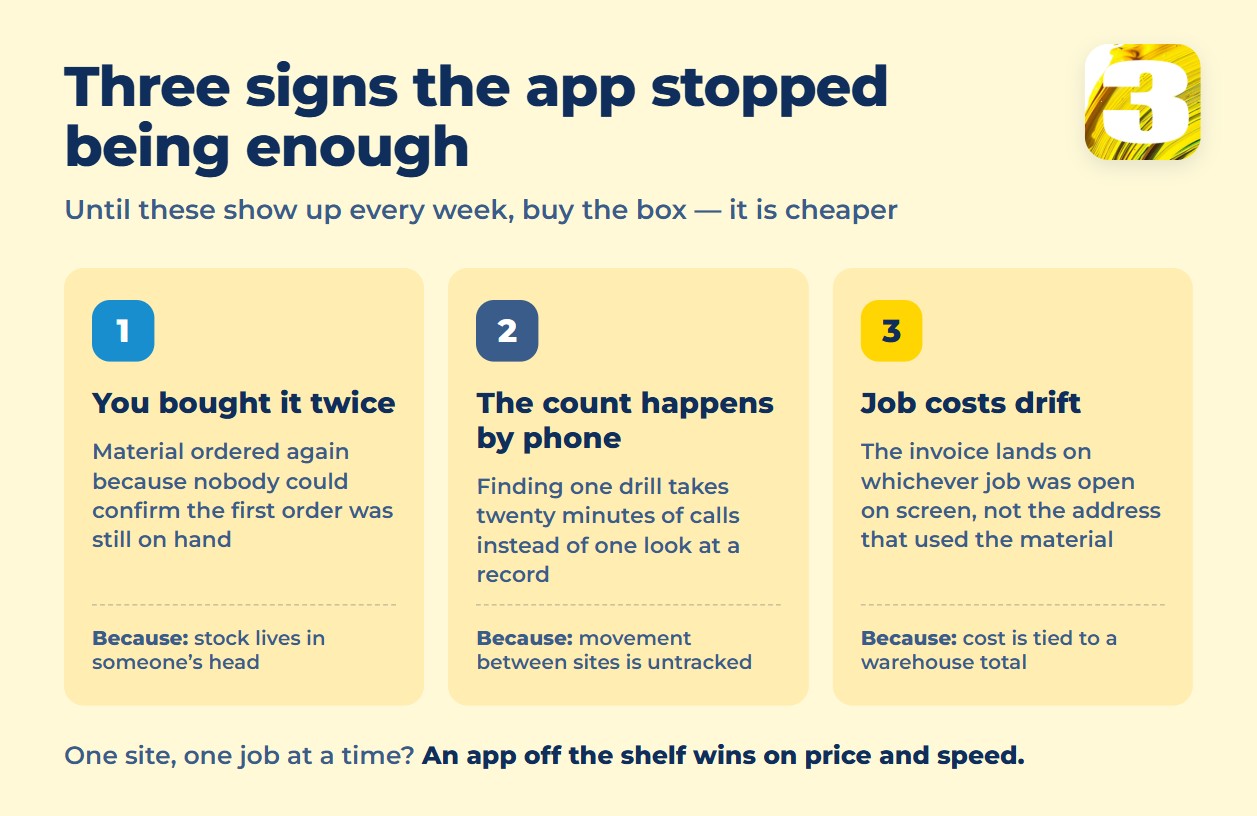
When stock only exists as a number in someone’s head, the same three things go wrong on repeat. You buy material you already own, because nobody can confirm what’s on hand without driving to check. You lose twenty minutes on the phone tracking down a drill that left with a crew last Tuesday. And when the bill comes in, the material gets charged to whichever job happens to be open on the invoice screen — not the job that actually used it — so job costing drifts a little further from reality every month.
This piece covers what off-the-shelf inventory and tool-tracking platforms actually cost and track, what losing track of tools and materials really costs when nobody’s counting, and what changes when a system is built around location instead of a barcode.

What Breaks When Materials Live on Three Job Sites at Once
A single warehouse has one door and one person who knows what walked through it. A contractor running three active jobs has three sites, at least one van, and a garage that quietly became overflow storage. Nobody signed up to run four warehouses — it happened because the business grew and the tracking method didn’t.
The spreadsheet in the truck cab (or the one nobody opens) answers “how much do we own,” not “where is it today.” Those are different questions, and the second one is the one that actually costs money. A generator sitting unused at a finished job isn’t a loss on paper — it’s a loss in practice, because a new one gets rented for the next site instead.
Materials move between sites more than people expect: a pallet gets split between two jobs, offcuts follow a crew to the next address, a tool rides home in someone’s truck “just for tonight.” None of that is dishonesty. It’s just untracked, and untracked movement is what turns an accurate count on Monday into a guess by Friday.
What a Location-Aware Inventory System Actually Needs to Do
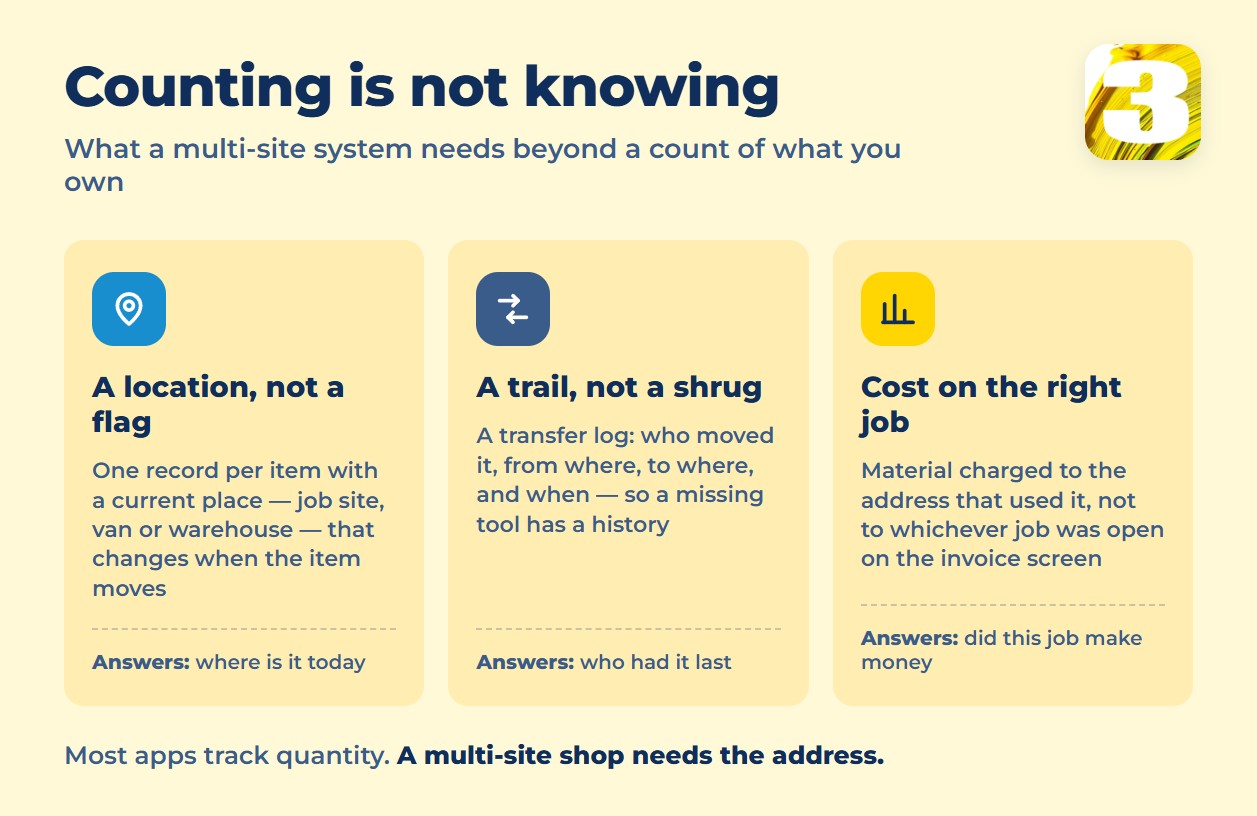
Most inventory apps solve counting. Fewer solve the part that actually matters for a multi-site contractor: knowing where each item is right now, not just how many exist somewhere.
That requires a few specific things working together, not a bigger spreadsheet. One record per item, with a current-location field that updates when the item moves — job site, van, or warehouse, not a single “in stock” flag. A transfer log: who moved it, from where, to where, and when, so a missing item has a trail instead of a shrug. And cost tied to the job that actually used the material or tool, not to the warehouse total — because that’s the number that tells you whether a job made money.
None of this is exotic. It’s the difference between an app that tracks quantity and a system that tracks a fact: this item, this location, as of today.
Off-the-Shelf Construction Inventory Management Software: What It Costs and What It Tracks
Several platforms sell exactly this — tool and material tracking with locations, barcodes, and mobile scanning. Pricing and what’s actually included vary more than the marketing pages suggest, so it’s worth reading past the homepage.
Two patterns show up across the field: pricing scales by user count more than by number of items, and multi-location tracking is now table stakes rather than a premium add-on — the real differences show up in scanning method, offline support, and whether the tool ties back to job costs at all.
| Vendor | Price | What’s included | Barcode / QR | Offline | Multi-location |
| Sortly | Advanced $49/mo, Ultra $149/mo, Premium $299/mo (annual billing); free tier for 1 user, 100 items | 500–5,000 items and 2–8 users depending on tier | QR only on Advanced; barcode + QR from Ultra up | Included from Advanced up | “Jobs” feature on all paid tiers |
| ShareMyToolbox | Business from $100/mo (first admin) + $10/user, sold in blocks of five; free tier for 3 employee connections | Web + mobile access, per-user pricing | Included on all tiers | Not published | Unlimited locations included |
| ToolWatch (AlignOps) | No public price — Essentials / Pro / Enterprise tiers, demo required | Asset tracking, service schedules (Pro), SSO/API (Enterprise) | Not published without a demo | Not published | Not published |
| Knowify | Core $99/mo (annual) or $149/mo (monthly); Enterprise by quote | Inventory tied to purchase orders and job costing across trucks and locations | Not published | Not published | Yes, across trucks and job sites |
| Contractor Foreman | $49–$332/mo by user count (annual or quarterly billing, no monthly option) | Material and equipment tracking bundled inside a full project-management suite | Not published in detail | Not published | Not published in detail |
Two things stand out. First, several vendors that clearly support multiple locations don’t publish whether scanning works offline — for a job site with no signal, that’s not a footnote, it’s a dealbreaker, and it’s worth confirming before you sign up, not after. Second, Contractor Foreman and Knowify sell inventory as one module inside a bigger suite: you’re buying project management, invoicing, and job costing, with material tracking along for the ride, not the other way around.
What Losing Track of Tools and Materials Actually Costs
The honest answer is that a clean, current number doesn’t exist. The National Equipment Register and the National Insurance Crime Bureau are the closest thing to an independent source on construction theft, and they put annual U.S. losses at $300 million to $1 billion, with under 25% of stolen equipment ever recovered. But that data is about theft of heavy equipment, the free public reports stop around 2016, and neither organization measures the far more common problem: a tool that isn’t stolen, just misplaced, or material bought twice because nobody could confirm the first order was still on hand.

We’re not going to attach a percentage or a dollar figure to that gap — nobody has measured it well enough to make the number honest. What’s measurable without a study is the pattern itself: a reorder that shouldn’t have happened, a call that shouldn’t have been necessary, a job cost that’s wrong because the material got logged against the wrong address. Those show up every week on a multi-site job, with or without a published statistic to back them up.
Buy It, Build It, or Wire It Together: The Same Three Roads
Inventory tracking runs into the same fork as scheduling and project tracking: buy a platform built for someone else’s workflow, stitch one together from general tools like a spreadsheet plus automations, or build something around how your jobs actually run. We broke down the price and trade-offs of each road in construction project tracking software: buy, assemble, or build — the logic holds for inventory too, with one addition: general-purpose builders like Airtable or Zapier tend to bill by the number of automated actions per month, not by item count, so the price climbs with every job site and every connection you add, not with how much you actually own.
How We Build Multi-Site Material and Tool Tracking
What we build isn’t a bigger spreadsheet or a barcode catalog. It’s the same location logic laid out above: one record per item, a current-location field, a transfer log, and cost that rolls up to the job that used the material, not to a warehouse total. We used the same approach to put a contractor’s 100 job sites on a live map — see how that project works for the closest thing we have to a finished example.
The price is $800 for one workflow, $1,500 for up to three — the same pricing we use for any workflow build, laid out in full at how much workflow automation costs. Timeline is usually one to two weeks, more often two; the exact number depends on how many locations and how much of your current process we need to work around. If inventory sits alongside scheduling or client records you also want cleaned up, that’s what our automation services page covers in full.
When Off-the-Shelf Inventory Apps Are the Better Call
If you run one warehouse and one job at a time, don’t call us — buy the app. Sortly’s free tier or its $49/mo plan, or ShareMyToolbox at $100/mo, will track a single location faster and cheaper than any custom build, and neither requires waiting on a build queue. A location-aware custom workflow earns its price when materials and tools already move between more than one site and the reconciliation happens by phone call instead of by record. Below that point, it’s the wrong tool for a problem you don’t have yet.
FAQ
1. How much does construction inventory management software cost?
It ranges from free (Sortly’s tier for 1 user and 100 items) to $299/mo for a mid-size team on Sortly’s Premium plan, with ShareMyToolbox starting around $100/mo plus $10 per added user. ToolWatch by AlignOps publishes no price at all — you have to book a demo to get a quote.
2. Does construction inventory software work offline at a job site with no signal?
It depends on the vendor, and most don’t say clearly on their pricing page. Sortly advertises offline mobile access starting on its paid Advanced tier. ShareMyToolbox and Knowify don’t publish offline details either way — confirm this directly with sales before you commit, especially for remote or rural sites.
3. Can I track tools and materials across multiple job sites in one system?
Yes — multi-location tracking is now standard on most platforms we reviewed, including Sortly’s “Jobs” feature and ShareMyToolbox’s unlimited locations. The real differentiator isn’t whether a system tracks location, it’s whether it ties that location back to job costing, so the material shows up on the right invoice, not just the right shelf.
4. Is it cheaper to buy inventory software or build a custom tracking workflow?
For one location, buying is cheaper and faster — a $49/mo app beats any custom build on both counts. The math shifts once you’re paying per user across several sites and still reconciling by hand; at that point a workflow priced at $800 for one process or $1,500 for up to three, built around how your jobs already run, can cost less over a year than stacking per-user fees on a platform that doesn’t match your process.
5. How much do lost or misplaced tools actually cost a contractor?
There’s no reliable recent number specific to small contractors. The most-cited independent range — $300 million to $1 billion a year in the U.S., under 25% of stolen equipment recovered — comes from the National Equipment Register and National Insurance Crime Bureau, but it measures theft of heavy equipment, the public reports stop around 2016, and it doesn’t cover the far more common case of a tool that’s simply misplaced rather than stolen.
Where to Start
Vendor prices and features here were checked directly on each company’s official pricing page in August 2026, and noted where a vendor doesn’t publish a number. Software pricing changes; confirm current terms before buying.
Send us where your materials and tools actually sit today — sites, vans, garage, storage unit — and we’ll tell you whether an off-the-shelf app covers it or whether one workflow built around your locations makes more sense.









