
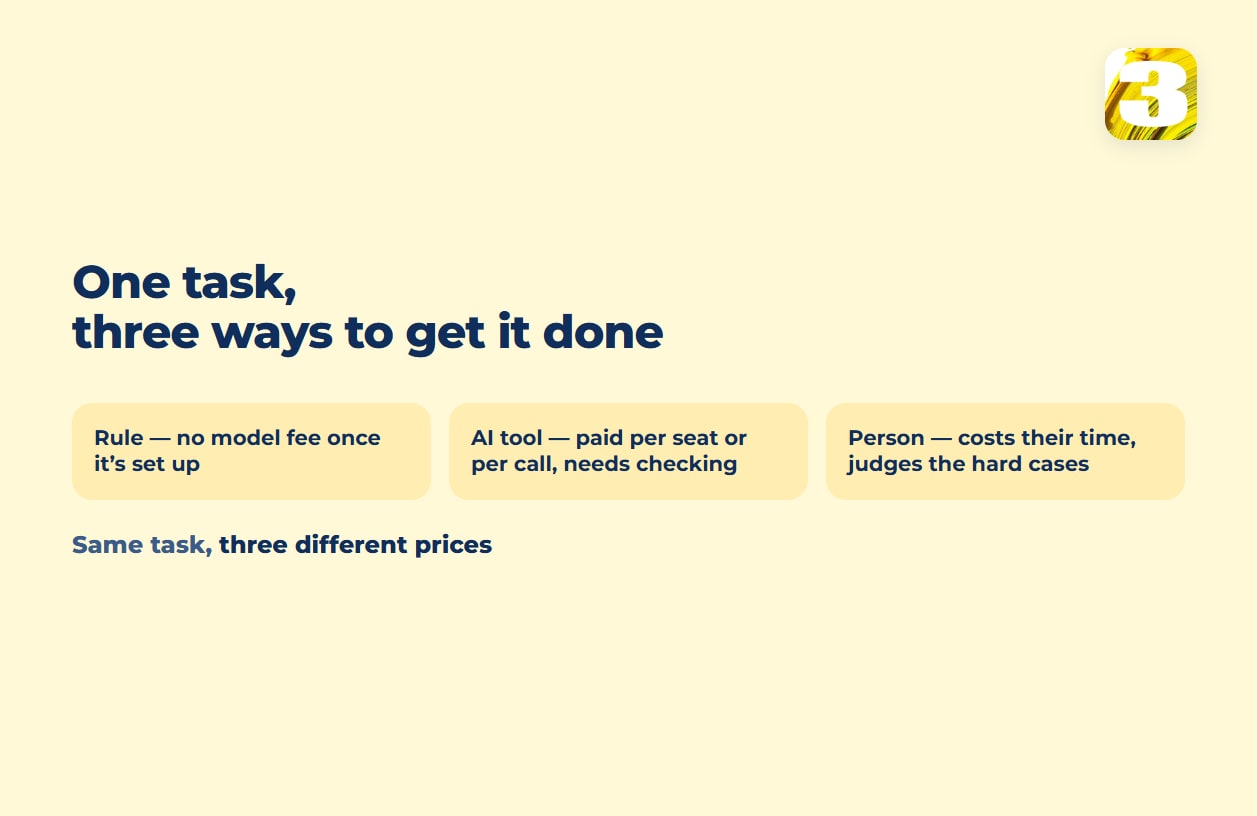
When you’re weighing AI tools for small business, every task has three possible ways to get done: a rule that runs without a model to pay for once it’s set up, an AI tool you pay for by the seat or by the call, and a person. The question isn’t “should we use AI for small business” — it’s which of the three is cheapest for this specific task, this week, at your volume. A rule wins when the input already sits in a field. AI earns its cost when the input is a messy paragraph, a PDF, or a photo that a rule can’t parse. A person wins when the mistake is expensive or the task barely happens.
That framing matters because most of what shows up when you search for AI for small business is either a list of tools with no task attached to any of them, or general benefits without a way to check them against your own week. This article skips the list. It goes task by task, lays out what the AI plans from OpenAI, Microsoft, and Google cost per seat, and shows the calculation that fits your business specifically: minutes per task, times how many times a week you do it.
AI for Small Business, Task by Task: Rule, AI Tool, or Person
Before picking a tool, it helps to see the choice laid out by task rather than by technology. The column “what a person still checks” isn’t a footnote — for most rows, it’s the difference between using the cheaper option safely and using it blind.
| Task | What comes in | Cheaper option | What a person still checks | What you pay |
| A message in the inbox | Rule for expected senders and subjects; AI to read and route free-text requests that don’t match a pattern | Anything mentioning money, a refund, or a promise made to a client | No model fee for the rule; per call or per seat for the AI part | |
| Phone calls | An incoming call | A person for most small volumes; a connected answering process once after-hours volume is steady | Anything urgent, angry, or outside the script | A person’s time, or a one-time build plus per-call costs |
| Customer questions | A repeated question typed into a chat box | A ready AI tool for questions customers word differently but the business answers the same way every time | Anything not already in the knowledge base, and anything about a refund | Per seat, per month, or per conversation |
| Data entry | A form field, a free-text email, or a scanned document | Rule if the data is already in a field; AI extraction if it’s a sentence or a scan | Totals, account numbers, and anything that changes a payment | No model fee for a rule; a one-time build plus AI calls for extraction |
| Invoices | A PDF or emailed bill | A connected process — extraction plus a rule that posts the result | Vendor name, amount, and due date before it’s paid | A one-time build, plus AI calls if the process uses them |
| Copy and product descriptions | A spec sheet or a photo of the product | AI draft, human edit, especially for a catalog at scale | Price, materials, and any claim that could be wrong | AI calls or a seat, plus the editor’s time |
| Reports | Numbers already sitting in a system | Rule — a scheduled export usually does the whole job | Whether the numbers match the source before they go to a client | No model fee once it’s built |
| Appointment booking | A request for a time slot | Rule — a calendar link is close to free | Double-bookings and any client who needs an exception | Usually nothing extra |
Two rows here have their own deeper pieces. What’s safe to hand a chat tool, and when a repeated chat turns into a process, is covered in our piece on what ChatGPT can and can’t take off your plate. The exact point where a rule stops being enough and AI extraction takes over is in our piece on automating data entry.
The Best AI for Small Business Starts With Your Own Numbers
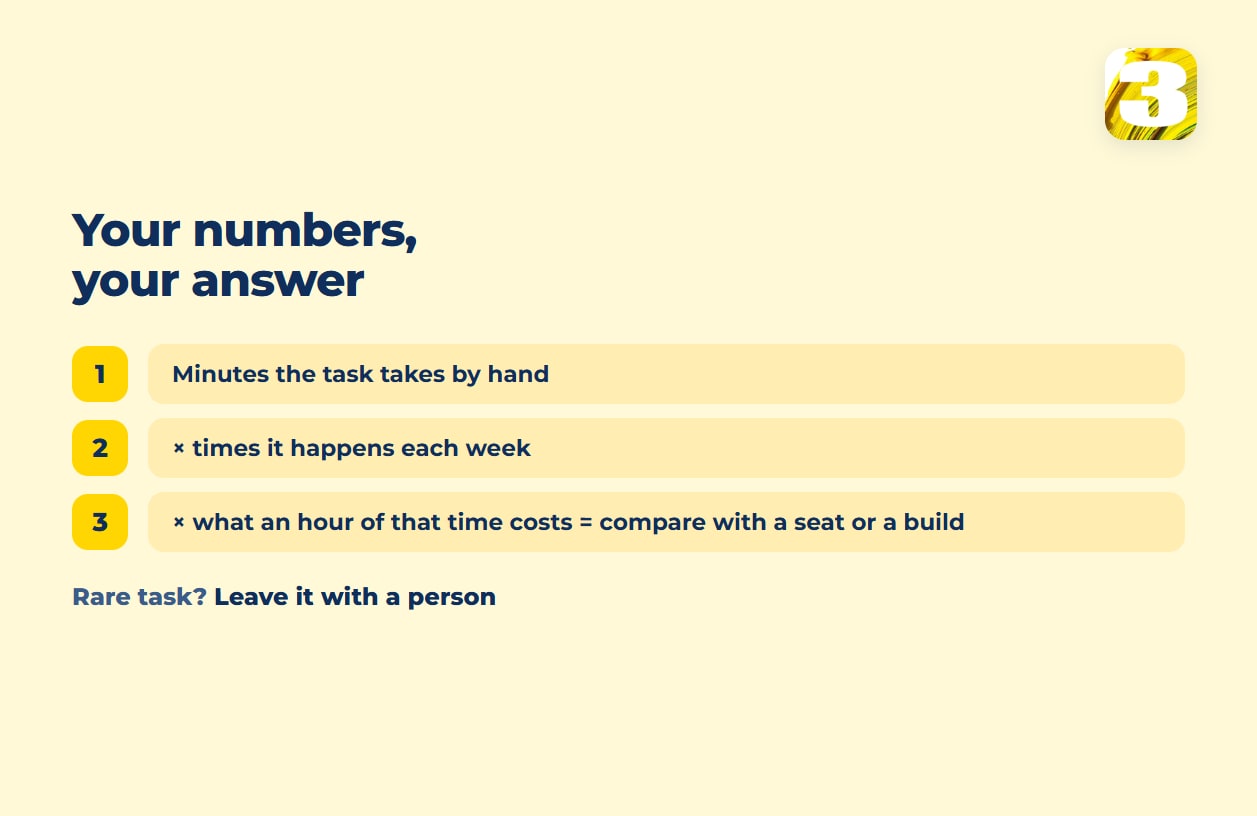
A general figure about how much time AI saves describes someone else’s tasks at someone else’s volume. What you can act on is your own arithmetic: how many minutes does this specific task take, and how many times a week does someone in your business do it. Five minutes, twice a day, five days a week is 50 minutes a week — about three and a half hours a month. Multiply that by what an hour of that person’s time costs you, and you have a monthly figure to set against a seat fee or a one-time build. Five minutes once a month rarely justifies building anything.
The same care applies to adoption numbers. The JPMorgan Chase Institute, working from Chase Business Banking transaction data rather than a survey, found that by the end of 2025 approximately 17.7% of the U.S. small businesses in its data had paid for an AI service at least once, up from 1.7% in January 2019. That figure counts businesses that paid at least once, not daily users, and it leaves out free tools entirely — so it says little about how much any one business uses AI. The U.S. Small Business Administration’s guidance, written about free AI tools, is direct about the checking part: “If you are using free AI tools or software in your small business, have another person review all AI products.” The same logic holds for paid tools — it’s why the table above has a “What a person still checks” column.
Where AI Costs More Than a Person
AI tools are priced per call or per seat, which means the cost doesn’t disappear just because the tool exists. Four situations where that price stops paying for itself:
- The task is rare. A tool you use twice a month still has a monthly seat fee running underneath it every day in between — most AI seats are priced per person, per month, whether that person opens the tool once a day or once a quarter.
- The mistake is expensive. If a wrong answer means a refund, a compliance problem, or a client who leaves, you end up reading every single output anyway — at which point you’re paying for the AI call and the person’s time on top of it.
- The data is already in a field. If the input arrived as structured data — a form, a dropdown, a database row — a rule handles it with no model to pay for. AI adds a cost for parsing something that didn’t need parsing.
- Someone has to maintain the process around it. An AI step inside an automated workflow needs someone watching for the day the input format changes and the tool starts guessing wrong quietly. Where an AI step earns that attention is covered in our piece on which workflow steps actually need AI.
What AI Tools for Small Business Cost: Subscribe, Build, or Keep a Person
Once a task clears the checks above, there are three ways to get the capability: subscribe to a tool per seat, build a connected process around AI, or leave the task with a person. Here’s what the first path costs from three vendors, as of when this was written — check each vendor’s own page before budgeting, since seat pricing and promotions move.
ChatGPT Business runs a standard seat at $25 a month billed monthly, or $20 a month billed annually; a premium seat is $125 a month on monthly billing, per OpenAI’s ChatGPT Business FAQ.
Microsoft 365 Copilot Business is currently promoted at $18 per user per month billed annually, reduced from $21 — but that price applies only to the first year and only to purchases made through the end of 2026; billed monthly it’s $25.20. The condition that matters most: Copilot isn’t a standalone purchase. “A separate license for a qualifying Microsoft 365 plan is required to purchase Microsoft 365 Copilot,” per Microsoft’s pricing page — so the seat price sits on top of a base subscription you already need to be paying for.
Google Workspace bundles Gemini into every paid tier rather than selling it separately. Business Starter, Standard, and Plus are each priced per user, per month, with a lower rate for annual billing — check Google’s pricing page for the current figure in your region. On Starter, Gemini works inside Gmail and you get basic access to the Gemini app; the fuller version across Docs, Meet, and other apps needs Standard or above.
ChatGPT and Copilot are per-seat, per-month costs that keep running whether the seat gets used or not. Workspace is the exception: if the business already pays for it for email, Gemini comes with no extra line on the bill, so the real question there is which plan tier you need.
The third path adds no new bill: the task stays with whoever does it now. For a rare task, or one where a mistake is expensive, that’s often the cheapest line in the whole comparison — the checks in the section above are how you tell.
What a Sprint With Us Costs Instead
The second path is building a connected process instead of buying a seat. At 3MY, that’s priced as a fixed sprint, not a subscription: $800 for a Starter sprint, $1,500 for a Growth sprint, and Enterprise scope priced by volume once the workload is bigger than either covers. A sprint usually runs one to two weeks, more often two; the exact timeline is set per project. There’s no subscription to a platform and no per-seat fee, so there’s no platform bill that grows with volume. The processes run on our infrastructure, and if you ever want to take them elsewhere, you can; the real question at that point is who maintains them. Who pays for the AI calls the process makes depends on the project — worth asking about before the sprint starts.
How that price scales with the size of the job is on our page for workflow automation services with a fixed sprint price. For what drives an automation quote up or down, our automation pricing breakdown and what business process automation is go further than this article does. And if the real decision is whether to license a tool at all or have something built, our build-vs-buy breakdown lays out that trade-off.

Where We’ve Already Put AI Inside a Process
We’re not describing this from the outside. Several of our own projects put an AI step inside a larger process rather than selling AI as the product on its own. No client names or numbers here, but the shape of each is real:
- Product descriptions for an online store, where AI drafts the first pass and a person edits before it goes live — the “copy and product descriptions” row above, and the subject of how we build that workflow.
- Parsing incoming emails, PDFs, and requests, where AI pulls the data out of the unstructured part and it lands in the client’s system — the “data entry” row, done as one connected process.
- A voice bot handling incoming calls — the “phone calls” row.

What One Contractor Fixed First
Not every automation problem starts with choosing a tool. One contractor we worked with runs roughly a hundred active projects spread across a territory about 100 km (60 miles) north to south and 500 km (310 miles) east to west. Before the project, every job lived on printouts, and finding the right one meant spreading them out on the garage floor. Now each project is a point on a map, filtered by status, and a click opens the project, then the client, then the contract behind it, synced with Google Calendar for both the owner and the crews.
The bottleneck there wasn’t intelligence — it was data sitting on paper with no way to search or filter it. Pointing an AI tool at a stack of printouts wouldn’t have fixed that; the fix was getting the data into a system a map and a calendar could read — the full contractor map project shows how. Which AI tools are worth buying for contractor work specifically, and which problems need a data fix first, is the subject of our piece on AI tools for contractors.
Your Customers Are Already Asking AI
Beyond building the process, there’s one thing worth checking regardless of which path you take: whether clients are finding you through an AI answer at all. Our own lead-tracking plugin shows us clients who arrived after asking ChatGPT rather than searching Google directly — a channel that standard analytics only partly catches. We’re not publishing numbers from it, but it’s a reminder that the AI for small business question isn’t only about which tool to buy for internal work — it’s also about where your customers are already looking, which is what our piece on AI search optimization covers.
Where to Start
Not every task needs a decision today. Start with the one row in the table above that costs the most time right now, run the minutes-times-frequency math on it, and see which column it lands in. If it lands on “connected process,” that’s a conversation worth having before you sign up for another seat.